

Download All Video Player – Free HD Windows Media Player, Play All Formats
Overview
All Video Player – Play All Video HD is a free Windows‑only media player developed by Wuhan Net Power Technology Co. Ltd. Launched on Softonic in February 2022, the software promises a lightweight, high‑definition playback experience for virtually every video format you can imagine. Though the interface is currently available only in Chinese, the program’s core functionality is language‑agnostic, making it a solid choice for users who need a reliable, no‑frills player that runs smoothly on Windows 11 and newer. The latest version (1.1.0.0) is built with modern codecs, supports hardware acceleration, and offers a clean UI that focuses on the video itself rather than distracting toolbars. If you’ve tried other “all‑in‑one” players that feel bloated or crash on high‑resolution files, All Video Player aims to fill that gap with a stable, secure, and free solution.
Key Features
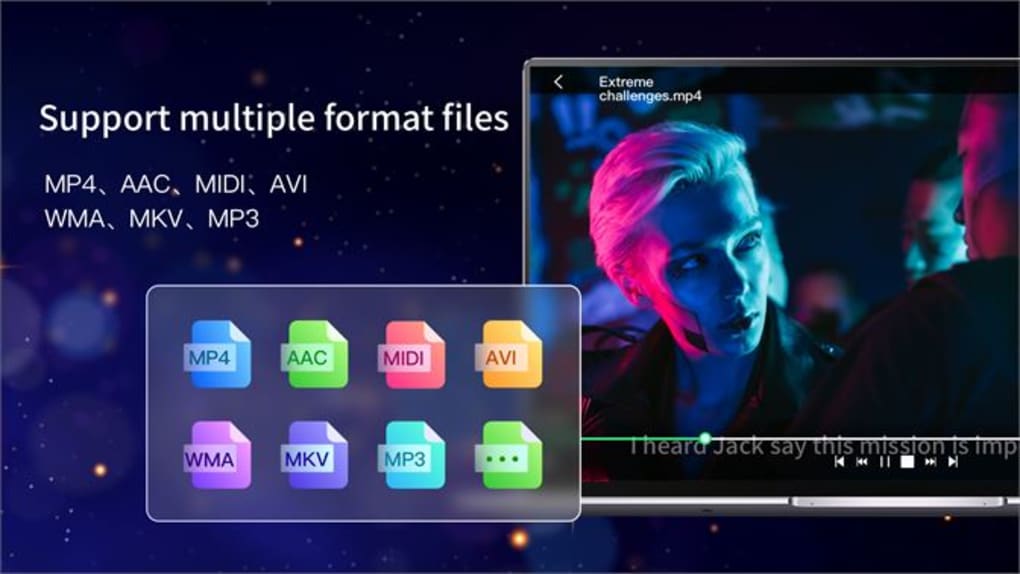
- Universal format support – plays MP4, MKV, AVI, MOV, WMV, FLV, and more.
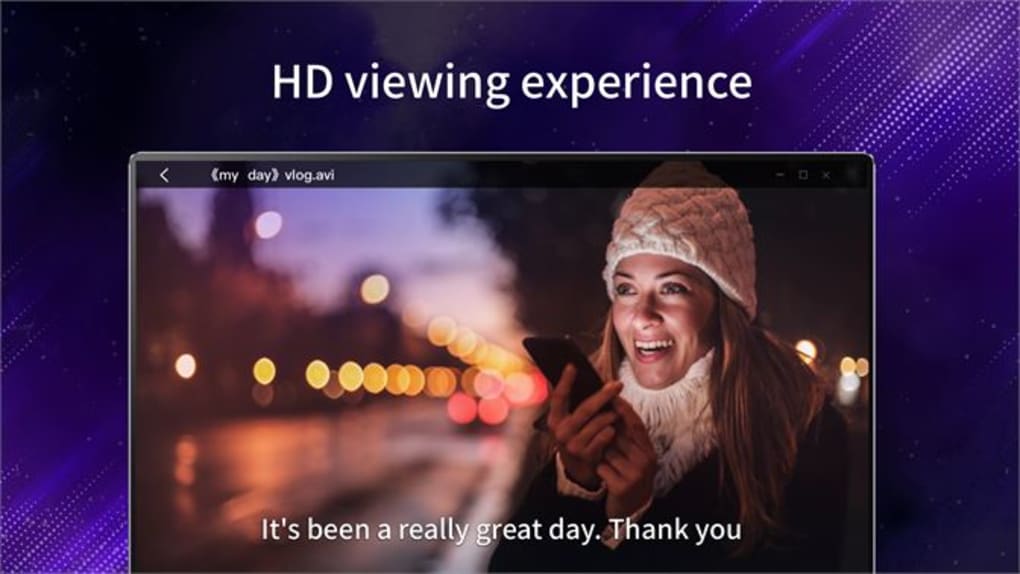
- Full HD and 4K hardware‑accelerated playback for smooth video rendering.
- Playlist management with drag‑and‑drop ordering and auto‑save.
- Subtitle synchronization and support for SRT, ASS, and VTT files.
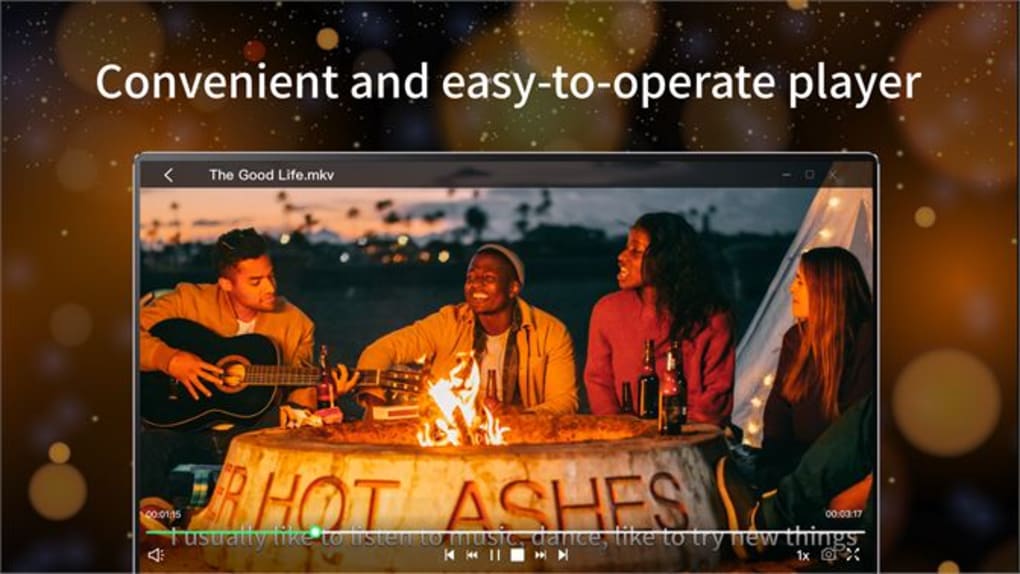
- Simple, borderless UI that can toggle to full‑screen or windowed mode instantly.
- Audio track selection and real‑time volume normalization.
- Lightweight installer under 30 MB, leaving minimal footprint on system resources.
- Automatic updates check – ensures you stay on the latest secure build.
- Built‑in screenshot capture and frame‑by‑frame navigation.
These features are bundled without the clutter of ad‑ware or forced upgrades, a rarity among free Windows media players. The software also integrates Windows’ native media controls, allowing you to use your keyboard shortcuts or external media keys seamlessly. While the language setting is locked to Chinese, the icons and layout are intuitive enough for non‑Chinese speakers to navigate after a brief familiarization period.
Installation & Usage Instructions
Getting All Video Player up and running is straightforward. First, visit the official download page or the Softonic listing and click the Download button. The installer is a compact .exe file (approximately 28 MB). Once downloaded, run the file as an administrator to allow the program to write necessary registry entries and create a shortcut on your desktop.
The installation wizard walks you through three simple steps: accept the license agreement, choose an installation folder (the default C:\Program Files\AllVideoPlayer works well), and click Install. After the progress bar completes, you can launch the player directly from the wizard or via the newly created shortcut.
Upon first launch, the player opens with a minimal control bar at the bottom. To add a video, drag a file from Windows Explorer into the player window, or use the File → Open menu. The player automatically detects the file’s codec and begins playback. For subtitle files, simply drag the subtitle file onto the video window; the player will sync it instantly. Users can adjust playback speed, toggle fullscreen, or switch audio tracks using the right‑click context menu.
Advanced users may want to explore the Settings panel (accessible via the gear icon). Here you can enable hardware acceleration, change the default subtitle font, and configure the automatic update schedule. All changes are saved instantly, and the player does not require a restart to apply most settings.
Because the UI is Chinese, you might want to keep a quick reference guide handy. However, the layout mirrors many popular players: the play/pause button sits in the center, the volume slider on the right, and the progress bar below. With a few minutes of usage, the workflow becomes second nature.
Compatibility, Pros & Cons
Operating System Compatibility
All Video Player requires Windows 11 or later. The software leverages the latest DirectX and Media Foundation APIs, which means older versions like Windows 10 may experience limited hardware acceleration or fail to start altogether. If you’re running a Windows 11 build, the player integrates smoothly with the OS’s dark mode and high‑DPI scaling.
Pros
- Free, no hidden fees or subscription model.
- Supports virtually every video and subtitle format.
- Low system resource usage – ideal for older PCs.
- Hardware‑accelerated 4K playback for smooth performance.
- Automatic update checks keep the software secure.
- Simple, distraction‑free interface focused on video content.
Cons
- Interface language limited to Chinese (no official English pack).
- Only compatible with Windows 11+, leaving Windows 10 users out.
- Lacks advanced video editing or streaming capabilities.
- No built‑in video library or media management database.
- Support is primarily through Chinese forums; English assistance limited.
Overall, All Video Player delivers on its promise of a free, high‑definition playback experience for Windows 11 users. The lack of an English UI may deter some, but the core functionality remains solid, making it a worthwhile download for anyone needing a dependable, lightweight media player.
Frequently Asked Questions
Is All Video Player safe to download?
Yes. The installer is digitally signed by Wuhan Net Power Technology Co. Ltd. and is hosted on reputable sites like Softonic. As with any free software, ensure you download from the official page to avoid bundled adware.
Can I use the player on Windows 10?
The current version requires Windows 11 or newer because it relies on DirectX 12 and newer Media Foundation components. Attempting to install on Windows 10 may result in errors or reduced performance.
Does All Video Player support streaming services?
No. The software is designed as a local media player only. It does not include built‑in browsers or plugins for services like Netflix, YouTube, or Twitch.
How do I change the language to English?
At present there is no official English language pack. Some users employ third‑party translation overlays or rely on the intuitive iconography. The developer may add multilingual support in future updates.
Is there a portable version of All Video Player?
The developer has not released a portable edition. The installer writes a few registry keys, so a true “no‑install” version is not available at this time.
Conclusion & Call to Action
All Video Player – Play All Video HD stands out in the crowded free media‑player market by delivering a clean, high‑definition experience without the bloat of ads or unnecessary extras. Its universal format support, hardware acceleration, and lightweight footprint make it an excellent choice for Windows 11 users who want a reliable, secure, and completely free video playback solution. While the Chinese‑only UI and Windows 11‑only requirement limit its audience, the core performance is impressive enough to merit a download and trial.
If you’re looking for a straightforward player that “just works,” give All Video Player a try. Download the installer from the official Softonic page, follow the simple installation steps, and enjoy seamless playback of all your favorite videos. For those who need English language support, keep an eye on future updates—Wuhan Net Power Technology has hinted at broader localization in upcoming releases.
Ready to experience free HD playback? Click the download button below, install All Video Player, and start watching your media library in crystal‑clear quality today.







